Specifying a rugged computer is far more complex than selecting a commercial off-the-shelf workstation. Defence and aerospace engineers must balance environmental qualification requirements, mechanical constraints, power budgets and long-term programme support — often simultaneously. This guide provides a structured framework to help you define your requirements clearly before engaging suppliers.
Step 1: Define the Operating Environment
The most critical starting point is understanding where the system will operate. Ask: What is the minimum and maximum ambient temperature? Will the unit be exposed to humidity, salt fog, sand or dust? What altitude range must it cover? What levels of vibration and shock will it experience? Answers to these questions map directly to MIL-STD-810 test methods and will determine whether you need a sealed conduction-cooled chassis, a filtered forced-air chassis, or a pressurised enclosure.
Step 2: Establish SWaP Requirements
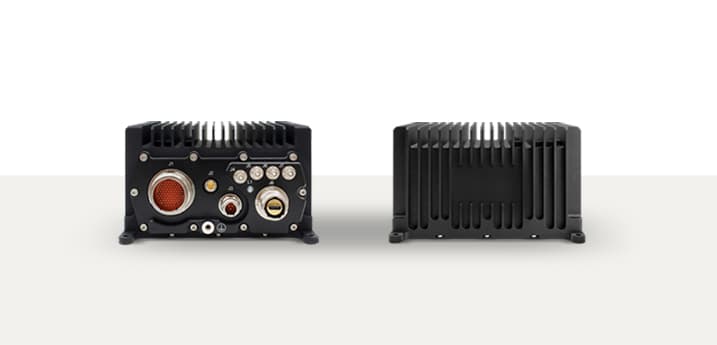
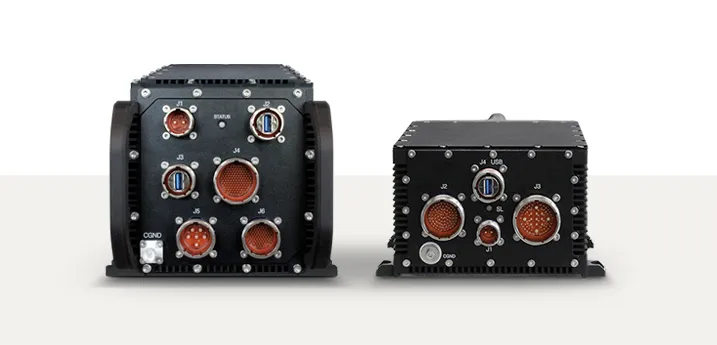
Size, Weight and Power (SWaP) constraints are often the most unforgiving. For airborne platforms, every kilogram and watt must be justified. For ground-vehicle mounted systems, mechanical envelope is critical. Define: maximum chassis dimensions (including connector depth), maximum weight, DC power input voltage and maximum power consumption at peak load. SWaP constraints will narrow your platform options significantly.
Step 3: Define I/O Requirements
- ›Video inputs/outputs: number of channels, format (HDMI, DisplayPort, HD-SDI, analogue composite)
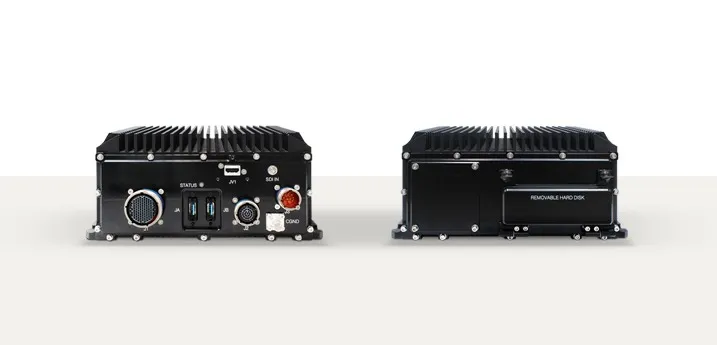
- ›Data interfaces: GbE, 10GbE, USB 3.x, serial (RS-232/422/485), CAN Bus, MIL-STD-1553
- ›Storage: capacity, redundancy (RAID), interface (NVMe, SATA), vibration isolation
- ›Expansion: PCIe slots for custom cards, GPGPU modules or signal processing boards
- ›Power: DC input range, MIL-STD-1275 or MIL-STD-704 compliance, hold-up time
Step 4: Identify Qualification Standards
Qualification requirements vary significantly by domain. Airborne systems typically require RTCA/DO-160G. Naval systems require IEC 60945 or Lloyd's Register. Ground and vehicle-mounted systems require MIL-STD-810 and MIL-STD-461. Clarify with your customer or platform OEM which test reports are required and whether full qualification testing or similarity arguments are acceptable.
Step 5: Consider Lifecycle and Support
Defence programmes run for 10–30 years. Before issuing an RFQ, ask your shortlisted suppliers: What is the expected production lifecycle of the platform? How is component obsolescence managed? Is a long-term support (LTS) agreement available? Can hardware be repaired and returned to service? A platform that is cheap to procure but unsupportable after five years is a programme risk.
Writing the RFQ
With the above information structured, your RFQ should include: a clear environmental specification referencing applicable standards, a mechanical and SWaP envelope, a tabulated I/O list, a qualification evidence requirement (test reports, similarity arguments or declarations of conformity), and a support and obsolescence management requirement. The more precisely you define your requirements, the more comparable your supplier responses will be.